Upscaling that invents nothing.
Magvo enlarges and cleans product photos, screenshots, documents and art. Text stays readable and colours stay exact. New detail appears only when you ask for it.
Drag the line
Scroll to zoom into an example's pixels and drag to move around. Drag the yellow line to compare the upload with Magvo.
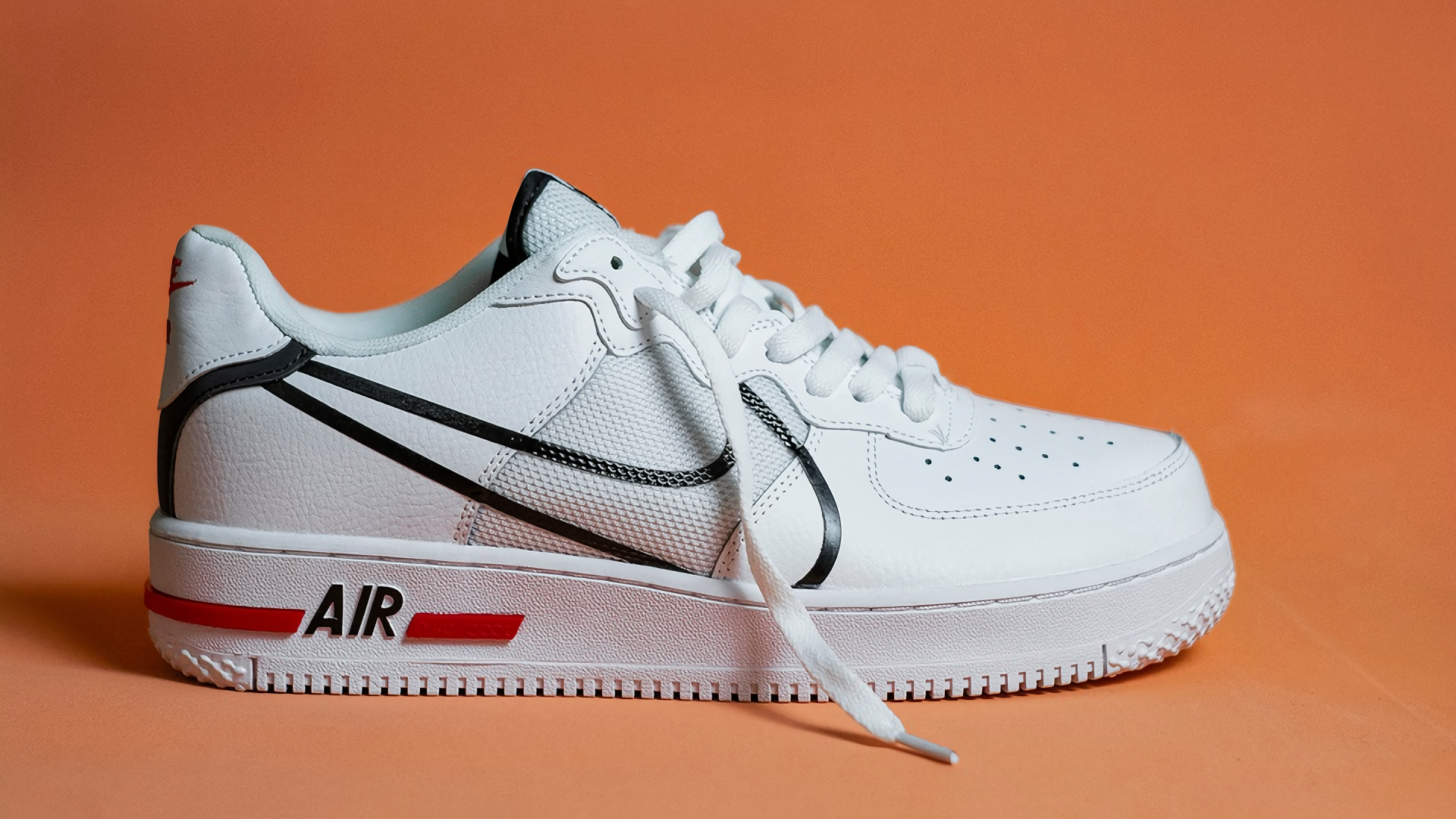
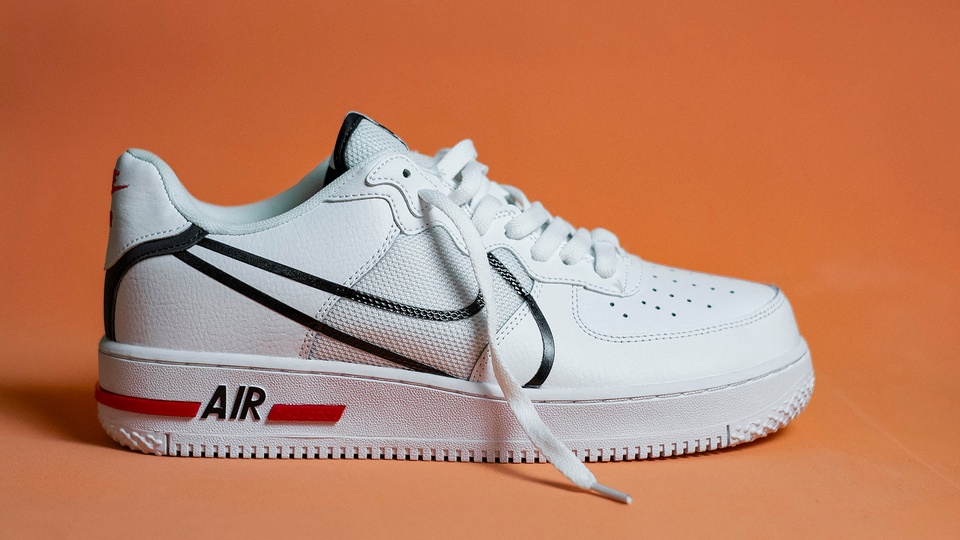
Made from a 1920×1080 original, shrunk 2× and saved as JPEG (quality 95). Source: Gustavo Gimenez, Pexels
Unretouched
Each result on this page is the exact file Magvo returned. We did not edit or retouch any of them.
The standard test
We shrink a real image, save it as a JPEG and enlarge it back. Research tests upscalers the same way.
Off by default
Creative, the one setting that adds detail, starts at 0%. Without it, Magvo enlarges only what is there.
Where accuracy is the point
Upscalers that guess often get small details wrong, such as a price, a part number or a logo colour, and those matter.
- 01
Product photos
Enlarge supplier and marketplace photos for zoom views, banners and print. Colours, labels and texture are taken only from your photo, as they are.
- 02
Screenshots and documents
Enlarge interface captures, scans, forms and slides that were shrunk on the way to you. Letters and numbers keep their shapes and read the same.
- 03
Art and graphics
Drawings, paintings, renders and other graphics come out clean and sharp. Magvo adds no strokes, textures or colours that the artist did not draw.
An API and MCP, built in
Use everything the studio does from your own code or from an AI agent. Tokens, setup steps and examples are in the studio.
- 01
REST API
Send an image or its URL from your shop, CMS or pipeline, and get the result back by polling or a webhook.
api.magvo.app - 02
MCP for AI agents
Claude Code, Cursor and other agents can upscale for you. Give them a file or a link and they return the result.
Claude Code · Cursor · any MCP client - 03
Same as the studio
The same modes, sizes, limits and results as the studio, and the same free daily allowance during launch.
One account for all three
Modes, sizes and limits
The same modes, sizes and limits in the studio, the API and MCP, with one account and one daily allowance for all three.
- Modes
Standard · Strict
Standard cleans compression and noise. Strict keeps the image as it is, including its flaws.
- Creative
Off by default
Adds fine texture to photos when you turn it up, from 0 to 100%. Standard mode only.
- Scale
1× · 2× · 4×
Up to 64 megapixels out. 1× cleans an image at its own size, without enlarging it.
- Files
PNG · JPEG · WebP
Up to 50 MB and 25 megapixels per image in. Transparency in PNG and WebP is kept.
- Free during launch
200 MP a day
One image at a time, shared across the studio, the API and MCP, reset every day.
- Privacy
Deleted after 7 days
Your images are used only to make your result. Delete them sooner any time.
Try it on the image you would never trust to an upscaler.
Common questions
No, not by default. Standard and Strict enlarge and clean only what is in your image. New detail comes only from Creative, which starts at 0%.
Standard removes JPEG blocks and noise as it enlarges, and suits most images. Strict keeps the image as it is, including grain and any artefacts.
Upload the original file rather than a copy sent through a chat app. Heavy JPEG compression removes fine texture, and Magvo does not invent it back.
Each starts as a full-size original. We shrink it, save it as a JPEG and give Magvo only that copy. The left side shows exactly what Magvo got.
Yes. There is a REST API with tokens and webhooks, and an MCP server for agents such as Claude Code and Cursor. See API and agents for more.
We use them only to make your result. Uploads and results are kept for 7 days and then deleted, and you can delete them yourself sooner.